Social media image and video sizes for 2026: the cheat sheet
Image ratios, pixel sizes, video length, file size and caption limits for Instagram, Facebook, LinkedIn, TikTok, X, Threads and Pinterest, checked October 2026.
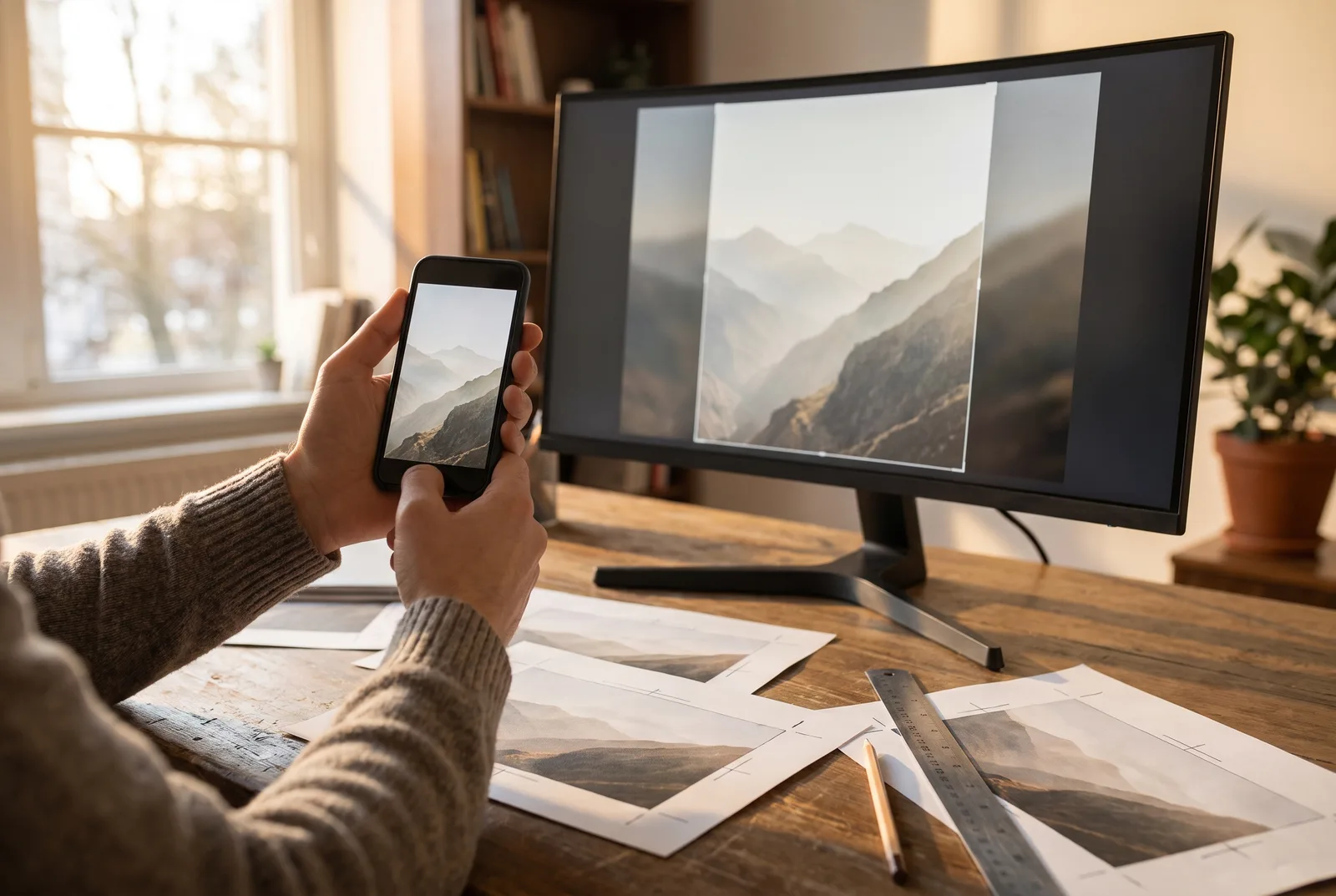
Every network publishes its own specs, and most of them have changed at least once in the last two years. There is a second trap that catches careful people too: what a network's app accepts and what a scheduling tool can publish through that network's API are often two different sets of rules. A 3:4 photo that the Instagram app takes happily can be refused when the same photo goes out through the API.
This cheat sheet covers seven networks: Instagram, Facebook, LinkedIn, TikTok, X, Threads and Pinterest. Every figure links to its source, the platform's own documentation wherever one exists. Where the app and the API differ, it gives the stricter rule, because that is the one that decides whether a scheduled post goes out. All of it is as of October 2026, and for formats, minimum sizes and Stories there is the full, regularly checked list.
The one-table summary
Sources for every number are in the network sections below.
| Network | Feed image | Vertical video | Longest video | Largest video file | Text |
|---|---|---|---|---|---|
| 4:5 to 1.91:1, up to 1440 px wide | 9:16 Reels | 15 min | 300 MB | 2,200 characters, 5 hashtags | |
| 4:5, 1440 × 1800 px | 9:16 Reels, 1080 × 1920 px | 90 s for Reels | not documented for Reels | not documented (63,206 commonly quoted) | |
| 1.91:1, 1200 × 627 px on link posts | ratios from 1:2.4 to 2.4:1 | 15 min | 5 GB | 3,000 characters | |
| TikTok | photo posts up to 1080p | 9:16 | 10 min | 1 GB to 4 GB, depending on the API | 2,200 characters |
| X | up to 4 photos, 5 MB each | ratios from 1:3 to 3:1 | 20 min (125 with Premium) | 8 GB (16 GB with Premium) | 280 characters (25,000 with Premium) |
| Threads | up to 10:1, 320 to 1440 px wide | 9:16 recommended | 5 min | 1 GB | 500 characters |
| 2:3, 1000 × 1500 px | 1:2 to 1.91:1 | 15 min | 2 GB | title 100, description 800 |
Instagram's publishing API, which every scheduler goes through, documents feed photos as JPEG only, up to 8 MB, with an aspect ratio between 4:5 and 1.91:1 and a width between 320 and 1440 px. That makes 1440 × 1800 px (4:5) the tallest, sharpest photo it accepts.
- 3:4 photos. The app has accepted 3:4 photos since May 2025. The API range still stops at 4:5, so crop to 4:5 for anything you schedule.
- Carousels. Up to 20 photos or videos in one post.
- Reels. MOV or MP4, 9:16 recommended, at most 1920 px wide, 23 to 60 fps, from 3 seconds to 15 minutes and up to 300 MB (same reference). A custom Reel cover is a JPEG of up to 8 MB, 9:16 recommended.
- Stories. Video from 3 to 60 seconds and up to 100 MB, 9:16 recommended.
- Caption. Up to 2,200 characters and 20 @ tags. Hashtags are capped at five per post or Reel: Instagram's @creators account announced the limit on 18 December 2025, with a gradual rollout (Social Media Today). Older guides and the API reference have not caught up, so plan for five. The details are in our article on the Instagram hashtag limit.
For feed images, Meta's own spec is 4:5 at 1440 × 1800 px, JPG or PNG, up to 30 MB. It is written for ads, but organic posts appear in the same feed, so the same shape works.
Reels have their own rules when they are published through the API: 9:16, 1080 × 1920 px recommended (540 × 960 px minimum), MP4 recommended, 24 to 60 fps and between 3 and 90 seconds. A Reel shared as a Page story is capped at 60 seconds, and a Page can publish at most 30 Reels through the API in any 24 hours, which matters if you batch-schedule for a client.
Meta does not document a text limit for organic posts. The figure most guides quote is 63,206 characters, long enough that you will never hit it.
LinkedIn's help centre lists the video requirements:
| Video | Limit |
|---|---|
| File size | 75 KB to 5 GB |
| Length | 3 s on desktop (2 s on mobile) to 15 min |
| Aspect ratio | 1:2.4 to 2.4:1 |
| Resolution | 256 × 144 to 4096 × 2304 px |
| Frame rate | 10 to 60 fps |
- Images. JPG, GIF or PNG under 36,152,320 pixels, with GIFs up to 250 frames.
- Link posts. A custom image on a link post should be 1.91:1, 1200 × 627 px. Under 200 px wide it shrinks to a small thumbnail beside the text.
- Company Pages. Logo 400 × 400 px (268 × 268 minimum), cover 1512 × 256 px, PNG or JPEG up to 3 MB (same page).
- Text. Up to 3,000 characters per post.
TikTok
Schedulers publish to TikTok through one of two APIs, and their limits differ. The Content Posting API accepts MP4, WebM or MOV, 23 to 60 fps, 360 to 4096 px per side, up to 10 minutes and 4 GB. The Business API's publish endpoint, used for business accounts, takes MP4, MOV or WebM from 3 to 600 seconds and up to 1 GB. If you do not know which one your tool uses, keep files under 1 GB.
- Shape. TikTok's ad specs recommend 9:16 vertical, at least 540 × 960 px.
- Caption. Up to 2,200 characters, including at most 30 mentions (Business API).
- Photo posts. JPEG or WebP (not PNG), at most 1080p and 20 MB per image (media guide), up to 35 photos, a title of up to 90 characters and a description of up to 4,000 (photo post reference).
- Covers. TikTok's Creator Academy recommends 9:16 at 1080 × 1920 px. There is more in our guide to TikTok covers.
X
X's media documentation allows up to 4 photos, 1 GIF or 1 video per post. Images go up to 5 MB, GIFs up to 15 MB and 1280 × 1080 px.
- Video. Aspect ratio between 1:3 and 3:1; recommended 1280 × 720 (landscape), 720 × 1280 (portrait) or 720 × 720 (square). By default a video can run from 0.5 seconds to 20 minutes and weigh up to 8 GB; Premium and verified accounts get 125 minutes and 16 GB. X says these caps match the app.
- Text. 280 characters, or up to 25,000 with Premium.
- Profile. Profile photo 400 × 400 px, header 1500 × 500 px.
Threads
Threads publishes:
- Images. JPEG or PNG, up to 8 MB, 320 to 1440 px wide, aspect ratio up to 10:1.
- Video. MOV or MP4, up to 1 GB and 5 minutes, at most 1920 px wide; 9:16 is recommended to avoid cropping or blank space.
- Carousels. From 2 to 20 items.
- Text. 500 characters per post.
Pinterest's product specs apply to both organic Pins and ads:
| Spec | |
|---|---|
| Image Pins | PNG or JPEG, 2:3, 1000 × 1500 px recommended, up to 20 MB on desktop and 32 MB in the app |
| Video Pins | MP4, MOV or M4V, up to 2 GB, 4 s to 15 min, between 1:2 and 1.91:1 |
| Title | 100 characters |
| Description | 800 characters (also the API limit) |
Why your scheduler and the app disagree
Apps get new features first and APIs catch up later, if at all. That is why a 3:4 photo posts fine from your phone and fails from a scheduler, or why TikTok's file limit depends on which API your tool calls. The fix is boring and reliable: export to the stricter rule, and check every post against each network before it is scheduled, not at publishing time on a Friday evening.
If you publish through Julexis, that check happens in the editor: before a post is scheduled, each network that cannot take it (a video too long for Reels, a caption over the limit, a missing video) refuses it with the reason, so you fix it while you are still working on the post. You can read more on the features page.
A master-file routine that saves re-exports
You do not need seven exports for every post. Four cover almost everything:
- Vertical video at 9:16, 1080 × 1920 px. It matches what Instagram, Facebook, TikTok and Threads recommend. Keep it under 300 MB if it is going to Instagram through a scheduler: that is the Reels limit, the lowest documented feed-video limit of the seven (Stories are lower still, at 100 MB).
- Feed photo at 4:5, 1440 × 1800 px. It is inside Instagram's API range and matches Meta's feed spec. LinkedIn, Threads and X take it too.
- Pinterest at 2:3, 1000 × 1500 px. Pinterest is the one network where a taller image is the norm.
- A 1.91:1 image at 1200 × 627 px, only when you share a link on LinkedIn.
Name files so the ratio is obvious (bakery-launch_9x16.mp4, bakery-launch_4x5.jpg) and keep text and faces away from the edges, so the same file survives a different crop on each network.
Key takeaways
- When the app and the API disagree, the API decides whether a scheduled post goes out: crop Instagram photos to 4:5, not 3:4.
- Plan for five hashtags per Instagram post: Instagram began cutting the limit in December 2025, whatever older guides and the API reference say.
- TikTok's file limit depends on the API your tool uses: under 1 GB is safe everywhere.
- Four master files (9:16 video, 4:5 photo, 2:3 Pin, 1.91:1 link image) cover all seven networks.
- Specs change often, so check them again before a big campaign, and keep the full, regularly checked list bookmarked.
Cover image generated with AI.